

 4 min read
What if you could ask a question about your business and get an answer in seconds, without digging through reports or exporting spreadsheets? With our new AI connection, you can connect ChatGPT to SKULabs (or Claude) and ask questions about your orders, inventory, purchasing, and shipping in plain English.
Beta notice: This feature is currently in a beta period and is available by invitation only while we conduct limited testing. Features and availability may change as we gather feedback and make improvements.
What is the SKULabs AI connection?
The SKULabs AI connection links your SKULabs account to AI assistants like ChatGPT and Claude. Once connected, you can ask questions the way you’d ask a coworker, and the assistant answers using your live SKULabs data.
You don’t need to learn report filters, remember field names, or build a spreadsheet. Just ask.
Why connect your AI assistant to SKULabs?
- Answers in seconds. Skip opening multiple reports or exporting CSVs.
- Live data. Answers come from your current SKULabs data, not a stale export.
- Plain-English questions. No technical knowledge needed.
- Connect the dots. Move between orders, inventory, purchasing, shipping, and team performance in a single conversation.
- Follow-up questions. The assistant remembers the conversation, so you can say “now just for Amazon” or “compare that to last month.”
Read-only by design
We built this connection with your data’s safety in mind. The connection is read-only: the AI assistant can view your SKULabs data, but it cannot make changes. It can’t edit orders, adjust inventory, or update products.
The assistant also uses the same permissions as your SKULabs user, so it can only see what you can already see in SKULabs. When you connect, SKULabs shows an approval screen so you know exactly which account and user the AI app is connecting to, and you can choose to allow or deny access.
What can you ask?
Here are a few examples of the questions you can ask:
Sales and orders
- “How many orders did we ship last week, and what was our average order value?”
- “What were our top 10 selling items this month?”
- “Which orders are due to ship today but haven’t shipped yet?”
Inventory
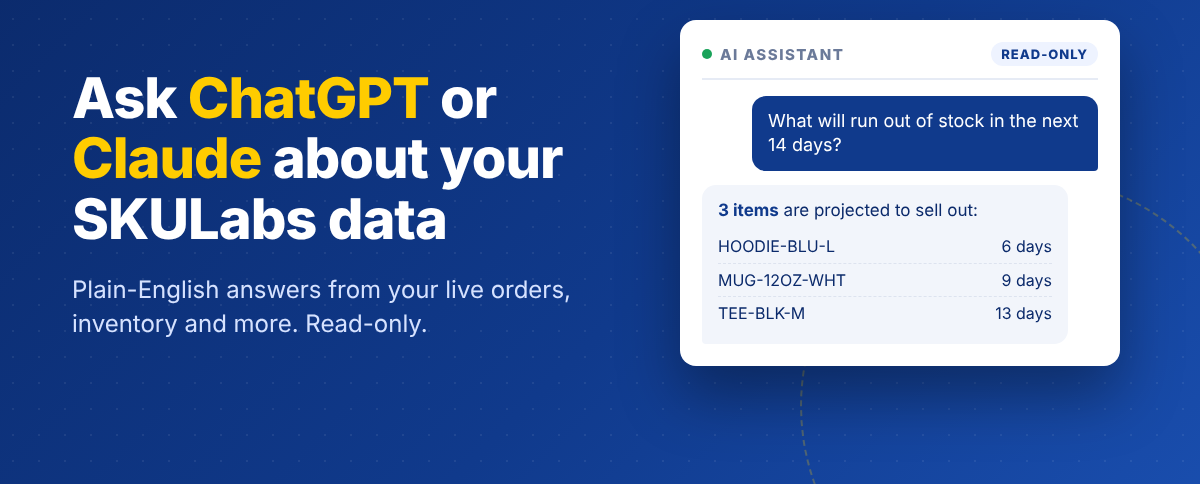
- “What will run out of stock in the next 14 days?”
- “Which items are below their reorder point?”
- “How many of our bundle kits can we build with current stock?”
Purchasing and shipping
- “Which purchase orders are overdue?”
- “How much did we spend on postage last month, by carrier?”
- “Are we making or losing money on shipping?”
Profit, returns, and team
- “Which SKUs have the lowest margin?”
- “What are the most common return reasons?”
- “How many orders did each team member pack yesterday?”
How to connect
During the beta, access to the SKULabs AI connection is by invitation only. Invited customers receive setup instructions directly from our team, and connecting takes just a few minutes: add SKULabs as a connection in ChatGPT or Claude, sign in to your SKULabs account, and click Allow on the approval screen.
To use the connection, you’ll need an active SKULabs user and a ChatGPT or Claude plan that supports custom connections. On team or business plans, an admin may need to enable it first.
Tips for better answers
- Be specific about dates. “Last 30 days” or “in October” works better than “recently.”
- Name the store, warehouse, or SKU when you only care about one.
- Ask for a breakdown, such as “by store,” “by month,” or “by carrier.”
- Double-check important numbers. AI assistants can make mistakes, so confirm key figures in SKULabs before making big decisions.
Interested in an invitation?
The SKULabs AI connection is currently available by invitation only as we test and refine the experience with a limited group of customers. If you’d like to be considered for the beta, reach out to our support team at [email protected] or start a chat with us from inside SKULabs.


