

 5 min read
If you ship to customers in the European Union, there’s a new customs requirement to know about. Since November 1, 2026, the EU requires product identifiers on each item in low-value, business-to-consumer (B2C) shipments. Parcels without them can be delayed, held, or returned, and some carriers have already started rejecting labels that are missing this data.
The good news: if you already keep good product data, most of the work is done. This post covers what changed, who it affects, and how to get your items ready in SKULabs.
What changed?
EU customs now asks for specific product identifiers (often shortened to “PIDs”) on import declarations for B2C distance sales. The goal is to let customs authorities identify exactly which product is in a parcel and track it across marketplaces, sellers, manufacturers, and warehouses. A description like “T-shirt” and an HS code no longer tell the whole story on their own.
Carriers collect this information when you buy the label and pass it to EU customs electronically, so the data has to be on each customs item at the time you ship.
Who does this affect?
The requirement applies to shipments that are:
- Going into the EU from outside the EU (for example, from the US, Canada, or the UK)
- Sold to consumers (B2C), not to businesses with a VAT number
- Valued at €150 or less
That covers most ecommerce orders shipped to EU shoppers. Business-to-business shipments where the recipient provides a VAT number are generally treated differently, but check with your carrier for its exact rules.
The three product identifiers
Each customs item can carry three identifiers:
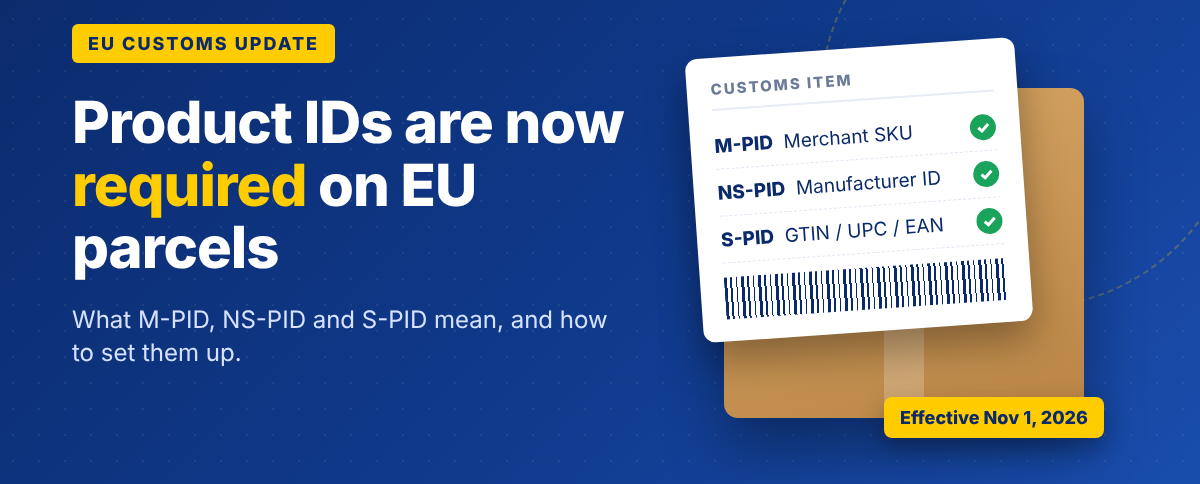
- M-PID (Merchant Product ID): Your own product code, which in most cases is your SKU. Required.
- NS-PID (Non-Standardized Manufacturer Product ID): The model, part, or style number the manufacturer assigned to the product. Required.
- S-PID (Standardized Product ID): A globally recognized code such as a GTIN, UPC, EAN, or ISBN. Required when the product has one.
If you make your own products, your manufacturer product ID may be the same as, or closely related to, your SKU. Second-hand, refurbished, and custom goods are still covered and typically use the identifier of the original or base product.
Is there a grace period?
Some EU member states are expected to allow a short transition period into early 2027 while everyone adjusts. That is not a postponement. Carriers are already asking for this data, and some are rejecting EU labels without it, so the safest move is to add your identifiers now.
How to set this up in SKULabs
SKULabs already fills in customs details for international shipments from your item data. The EU product identifiers work the same way.
- M-PID comes from the item’s SKU automatically. There’s nothing extra to set up.
- NS-PID comes from an item custom field named Manufacturer Product ID.
- S-PID comes from an item custom field named Standardized Product ID.
Both custom fields allow up to 64 characters, and field names are not case sensitive.
Add identifiers to one item
- Open the item in your SKULabs catalog.
- Click Edit in the upper right of the item’s detail page.
- Click Add custom field.
- Enter Manufacturer Product ID as the field and the manufacturer’s part or model number as the value.
- If the product has a GTIN, UPC, or EAN, add another custom field named Standardized Product ID with that code.
- Save the item.
Add identifiers in bulk
For a large catalog, use a CSV import:
- Go to the Imports/Exports page.
- Choose the Item custom fields import.
- Upload a CSV with three columns: SKU, Field, and Value. Use one row per SKU and field, for example a row with Manufacturer Product ID and another with Standardized Product ID.
Tip: many sellers already have UPCs or EANs in their supplier or marketplace data. Exporting those and importing them as the Standardized Product ID is often the fastest way to cover most of a catalog.
Carrier support
SKULabs sends the EU product identifiers today on labels purchased through EasyPost. Support for additional carriers is on the way, and we’ll update our help documentation as each one is available.
If a carrier rejects an EU label because of missing product identifiers, try shipping that order with an EasyPost carrier account, or reach out to our support team and we’ll help you find the best option.
Your EU shipping checklist
- Confirm your SKUs are accurate and consistent, since they’re sent as the M-PID.
- Add a Manufacturer Product ID custom field to items you ship to the EU.
- Add a Standardized Product ID (GTIN, UPC, EAN) wherever one exists.
- Keep your other customs fields up to date, including Description, Tariff (HS code), and Origin.
- Check that your carrier for EU shipments supports the new identifiers.
Learn more
For full setup details, see our help article: How to add or remove customs information for items. If you also need IOSS or VAT numbers on EU shipments, see IOSS, VAT, and SKULabs.
Questions about your EU shipments? Our support team is happy to help you get your catalog ready.


